Email Template Library
Professional email templates for Zendesk® support
Choose from 100+ pre-designed templates to streamline your customer communication
Nothing was found
Sorry, no templates found.
Welcome
New Users

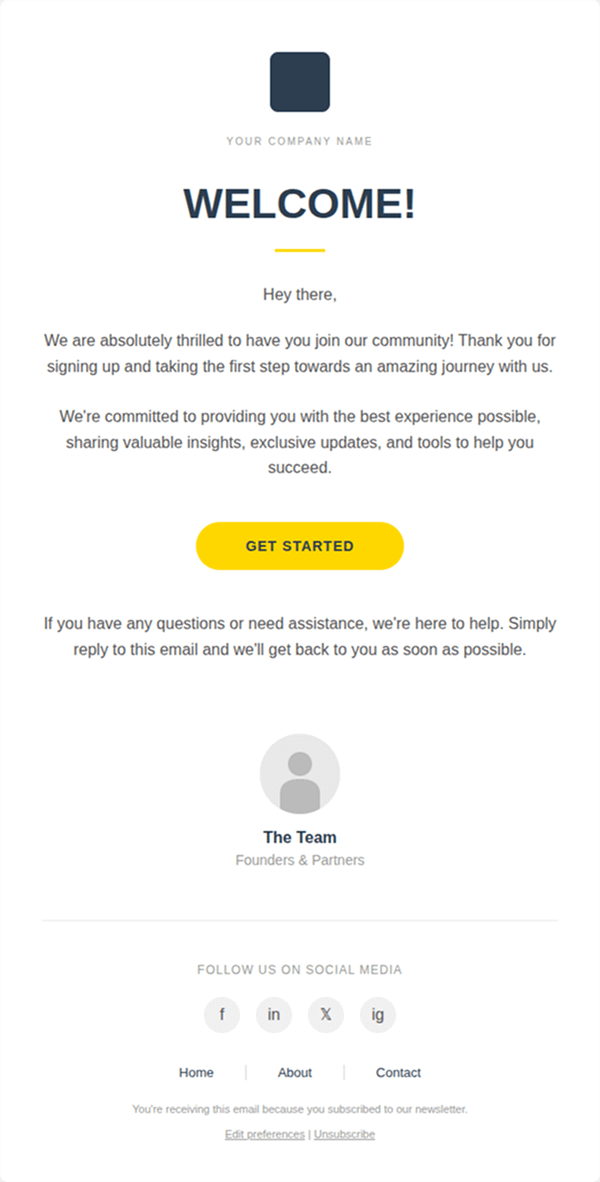
Minimalist Welcome Email

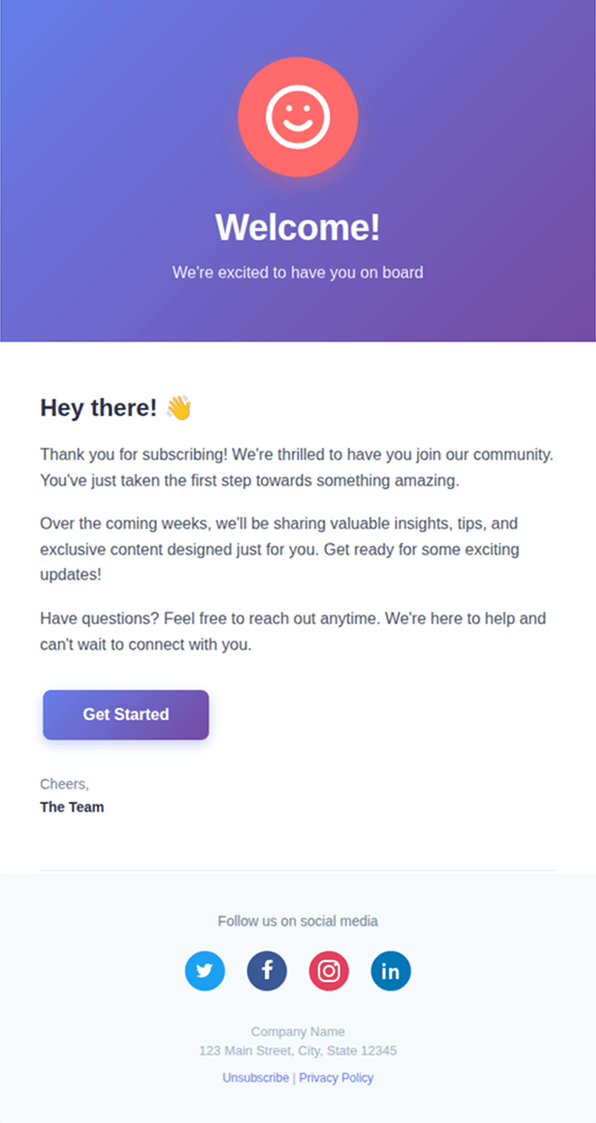
Say Hello to New Subscribers

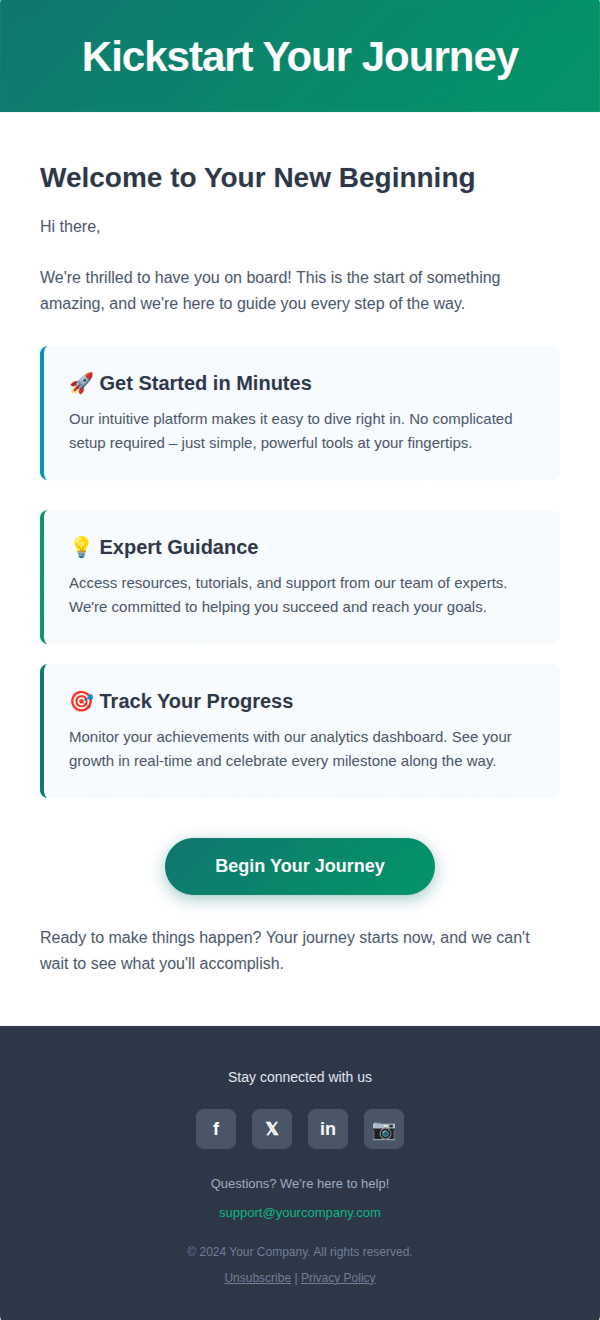
Kickstart Your Journey

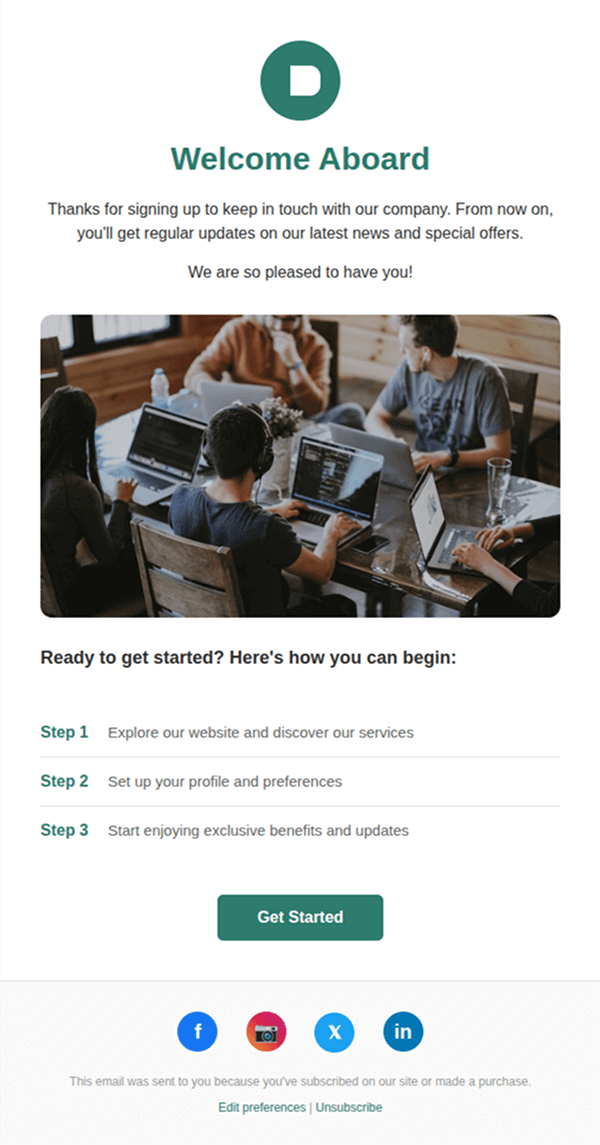
Welcome Aboard
Onboarding

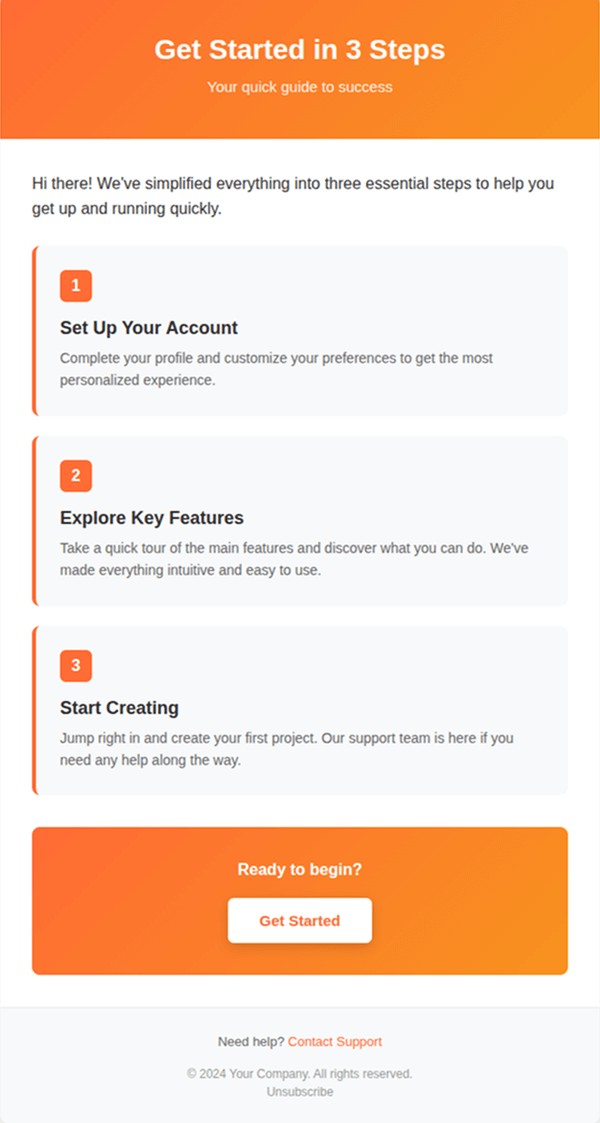
Guiding Step-by-Step

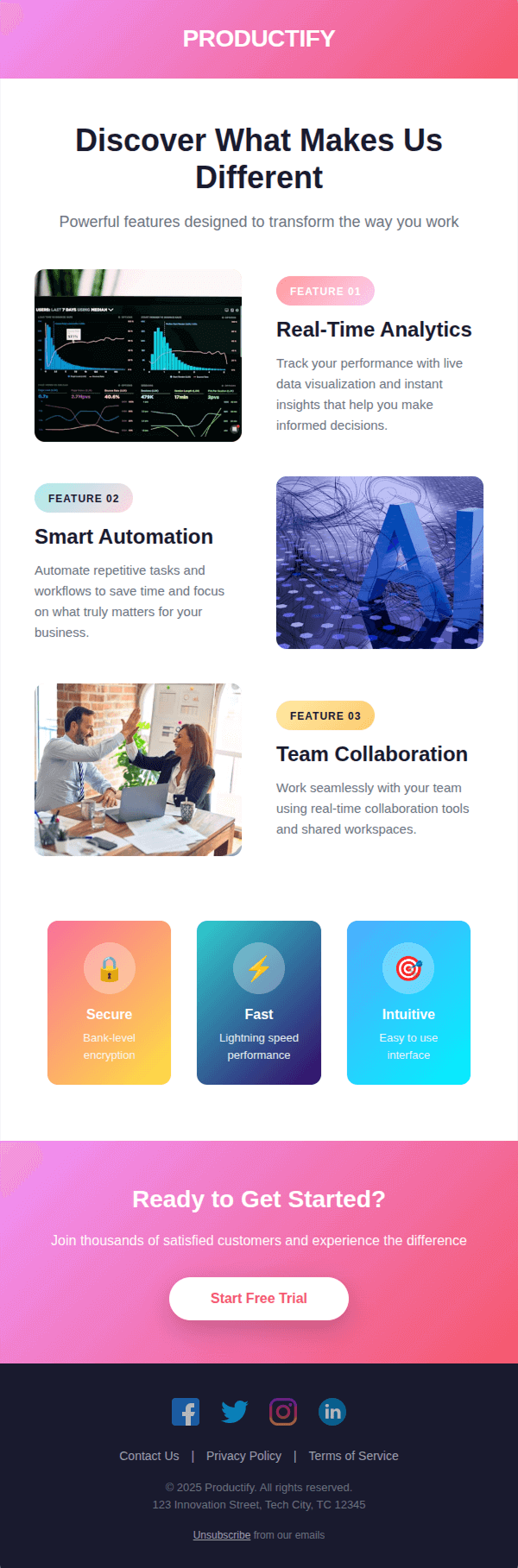
Features Focused Email

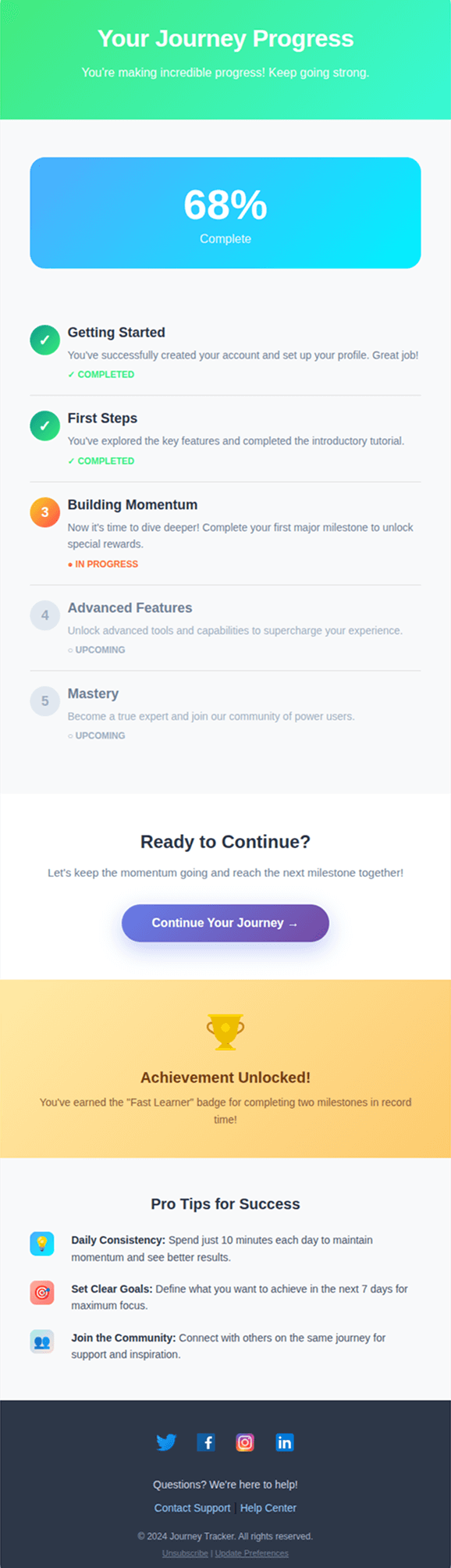
Journey Tracker

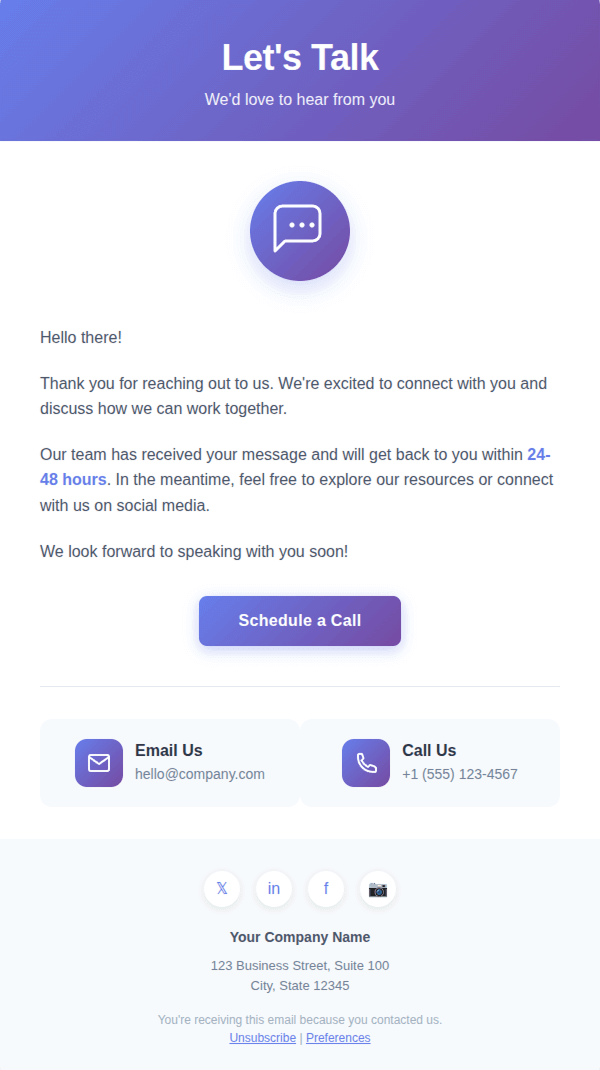
Let’s Talk
Free Templates
Free
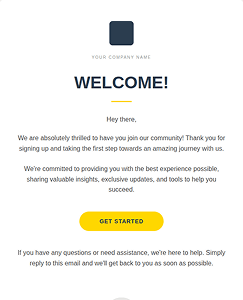
Minimalist Welcome Email
Free
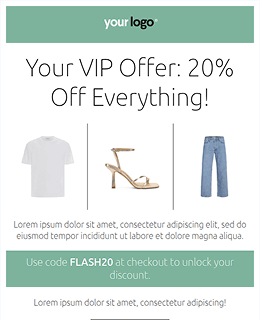

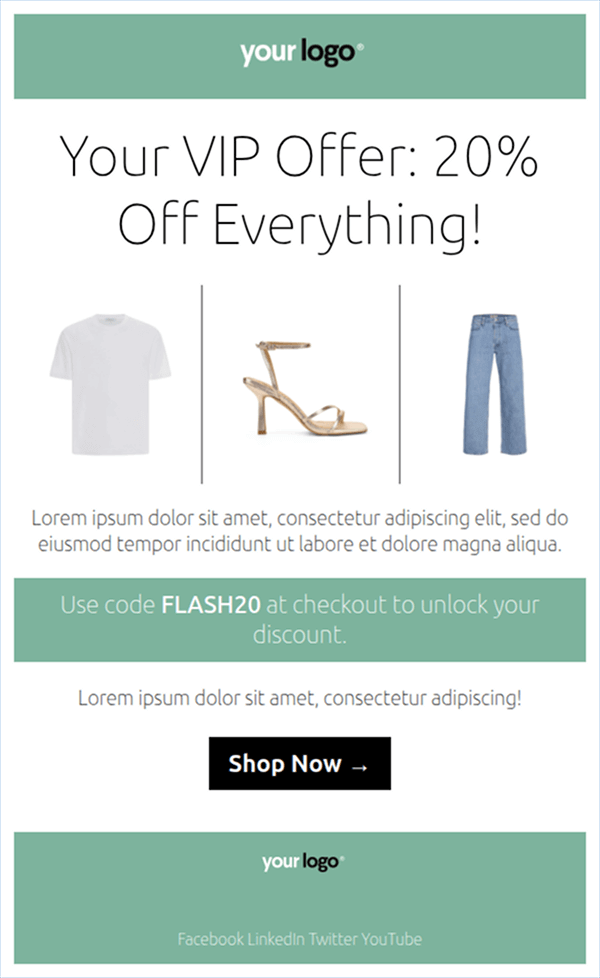
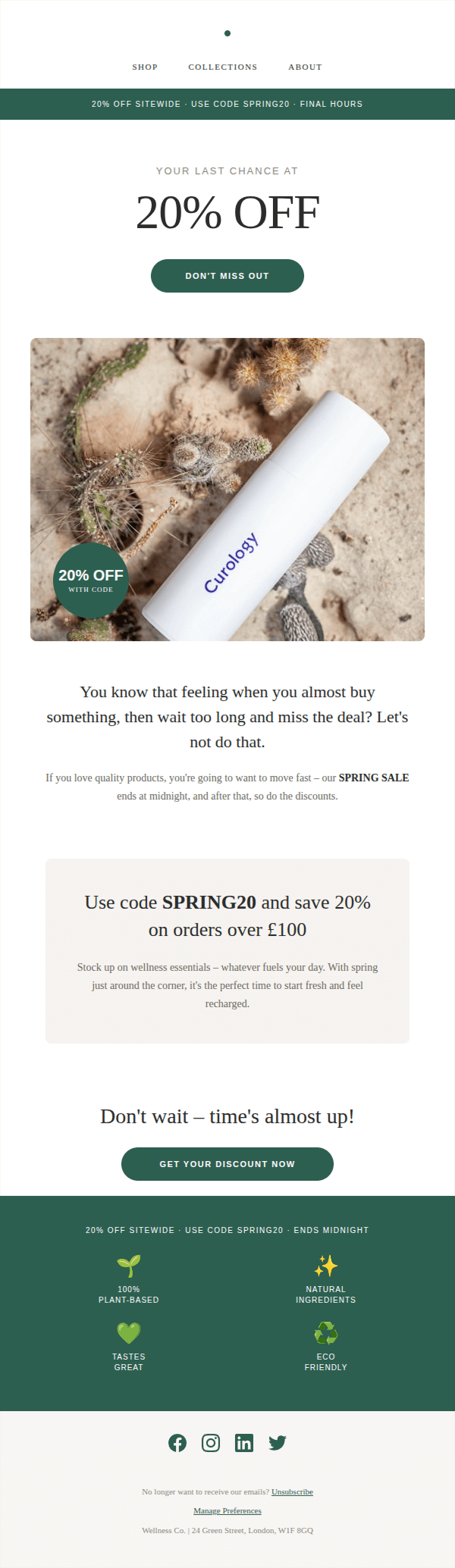
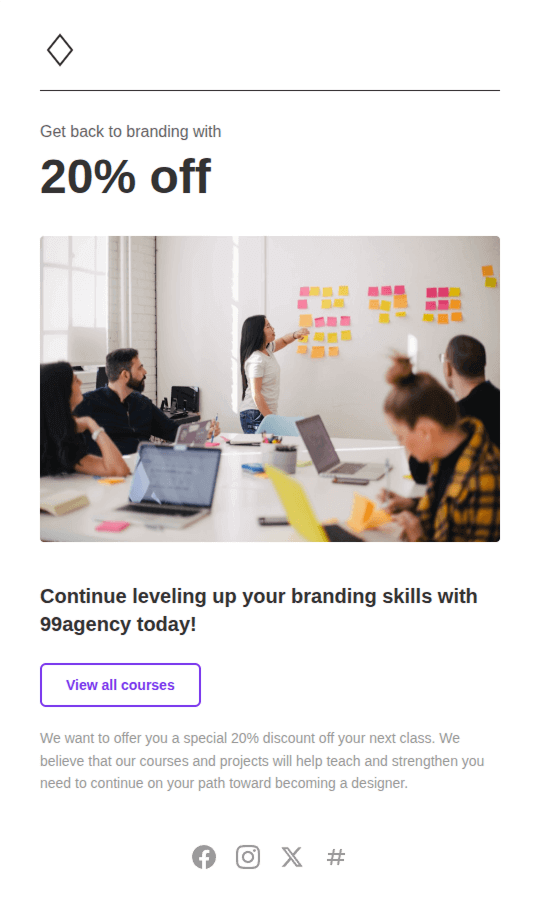
Discount Email
Free
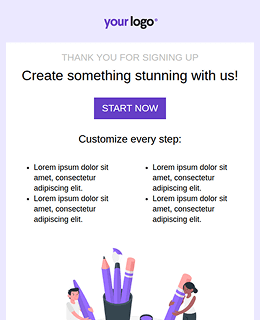

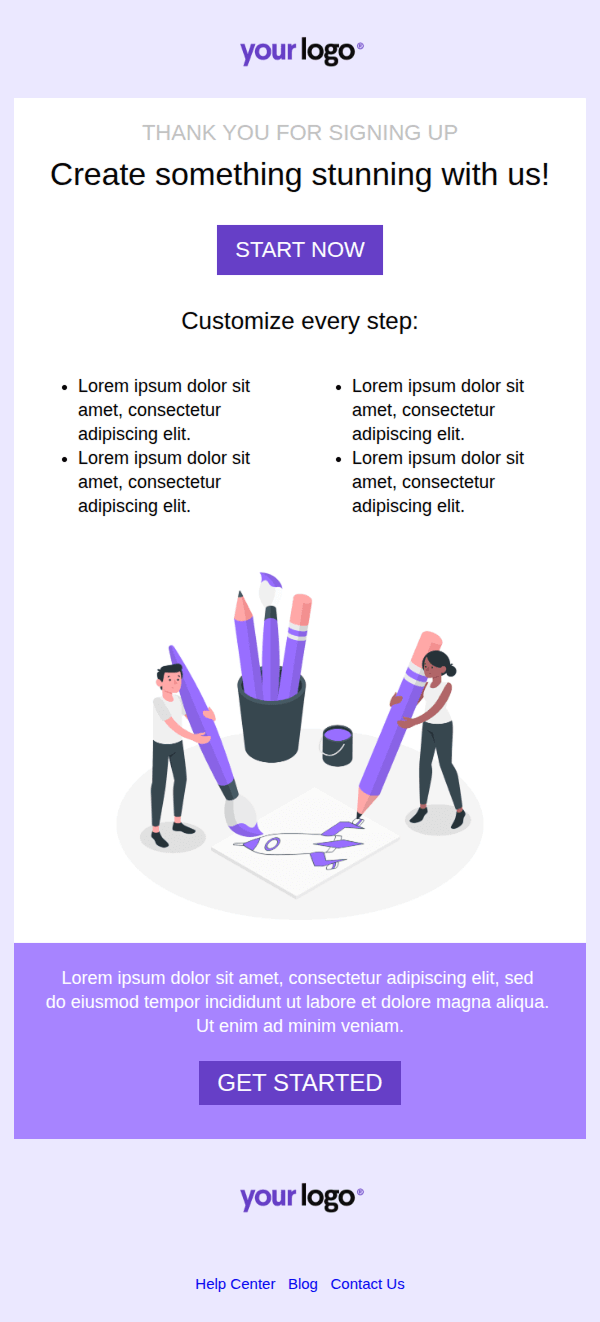
Onboarding Email
Free
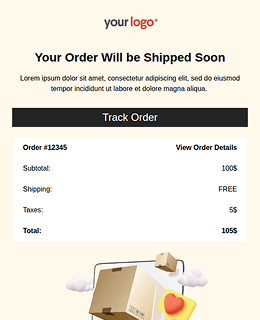

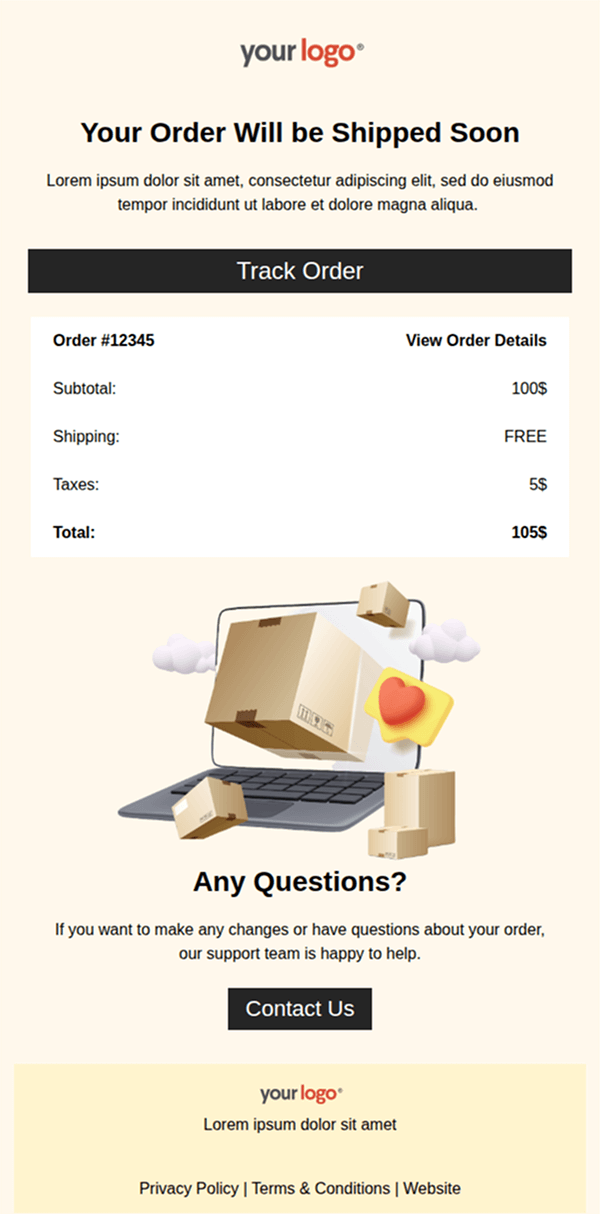
Order Email
Promotional
Sales & Discounts

Flash Sale Alert

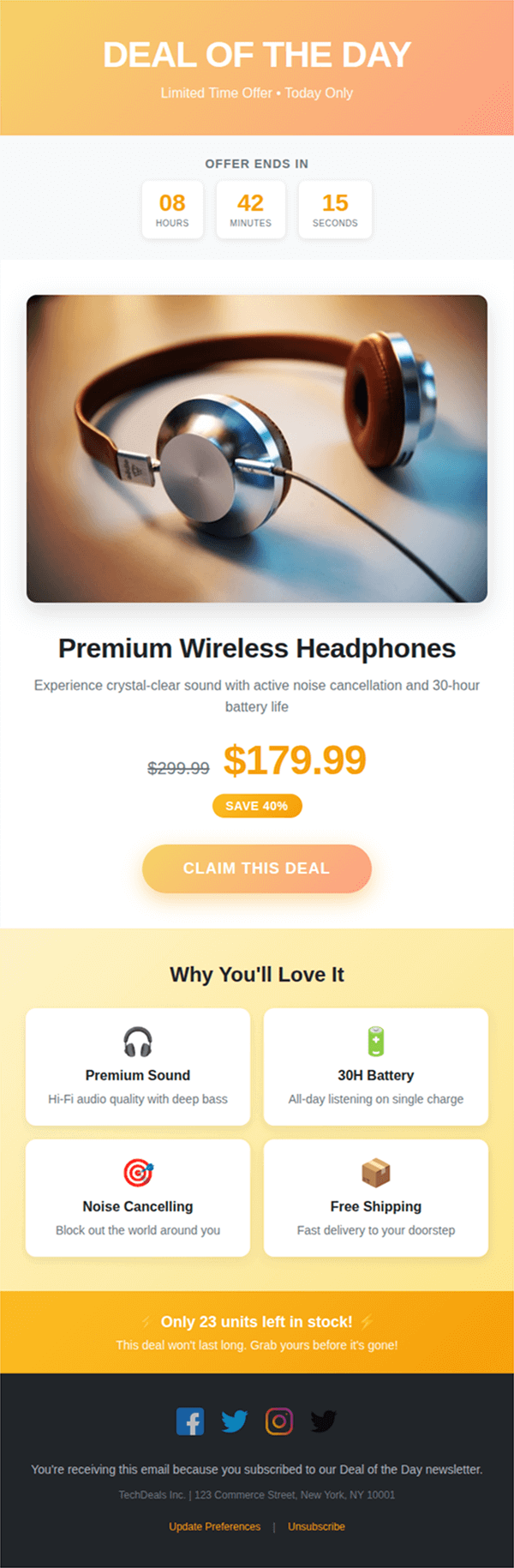
Deal of the Day

Exclusive Savings

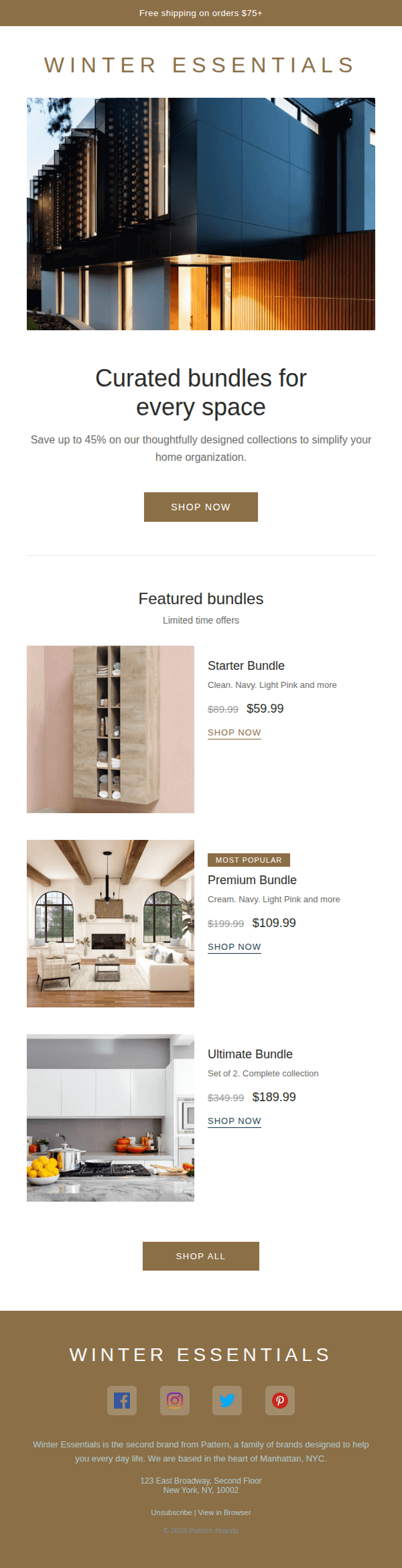
Bundle Offer
Seasonal Promotions

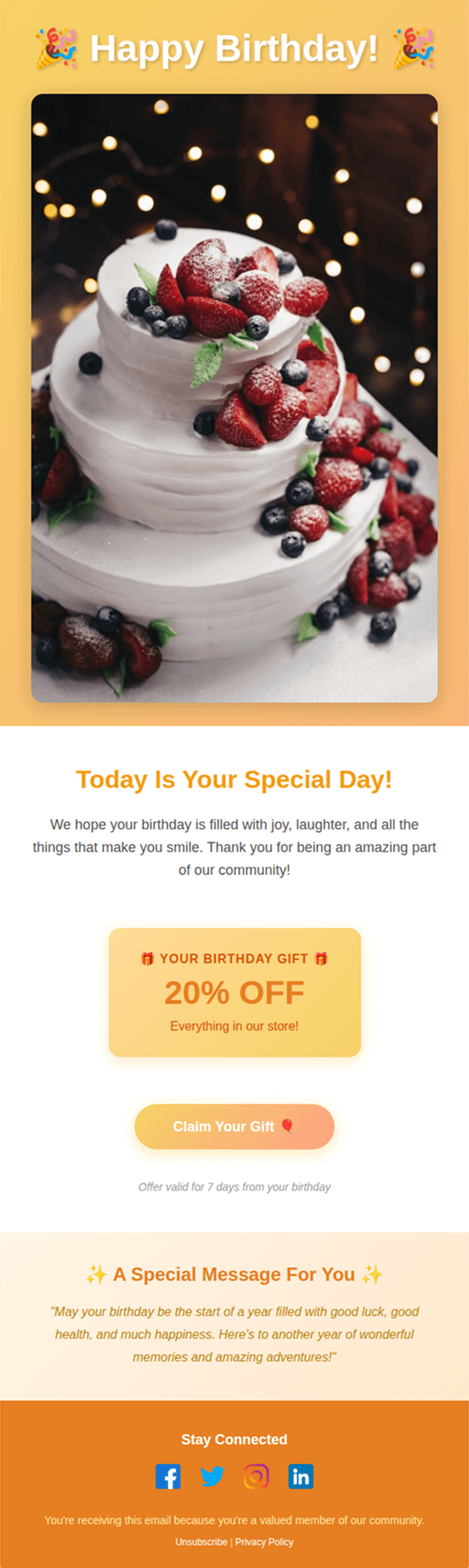
Birthday Email

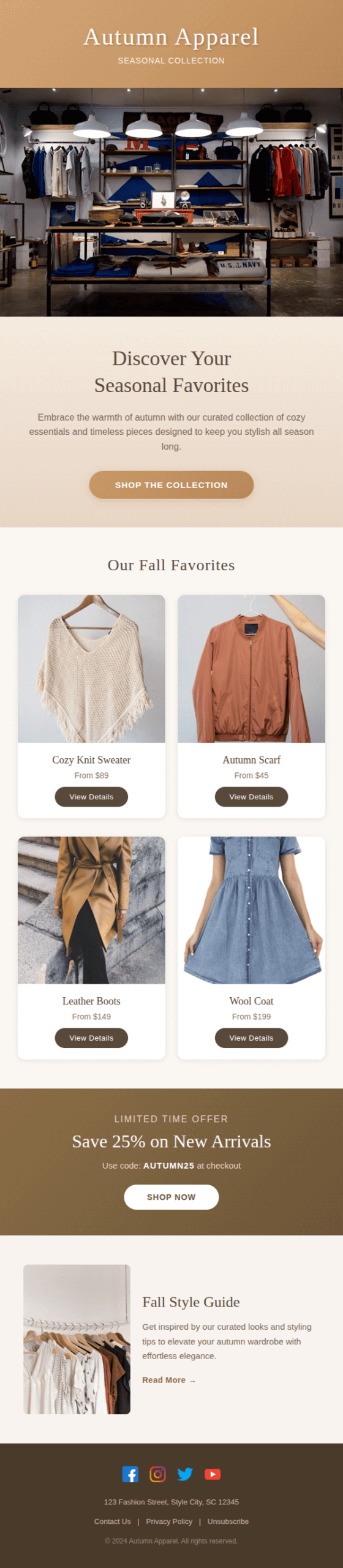
Seasonal Favorites

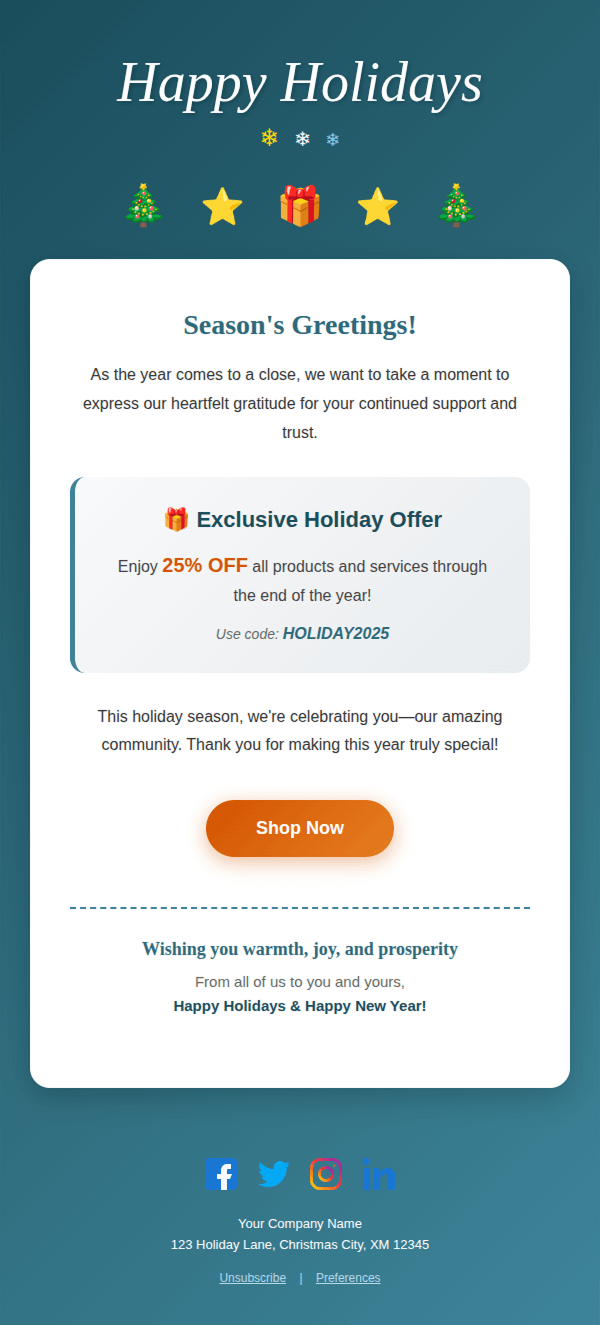
Holiday Special
Product Launches

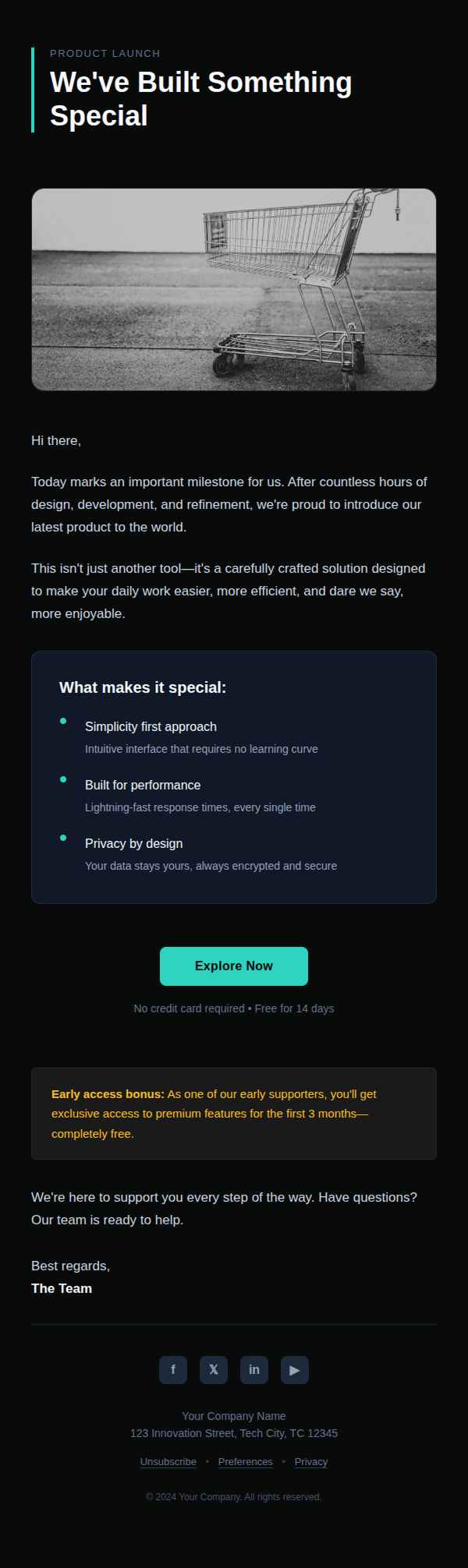
Launch Announcement

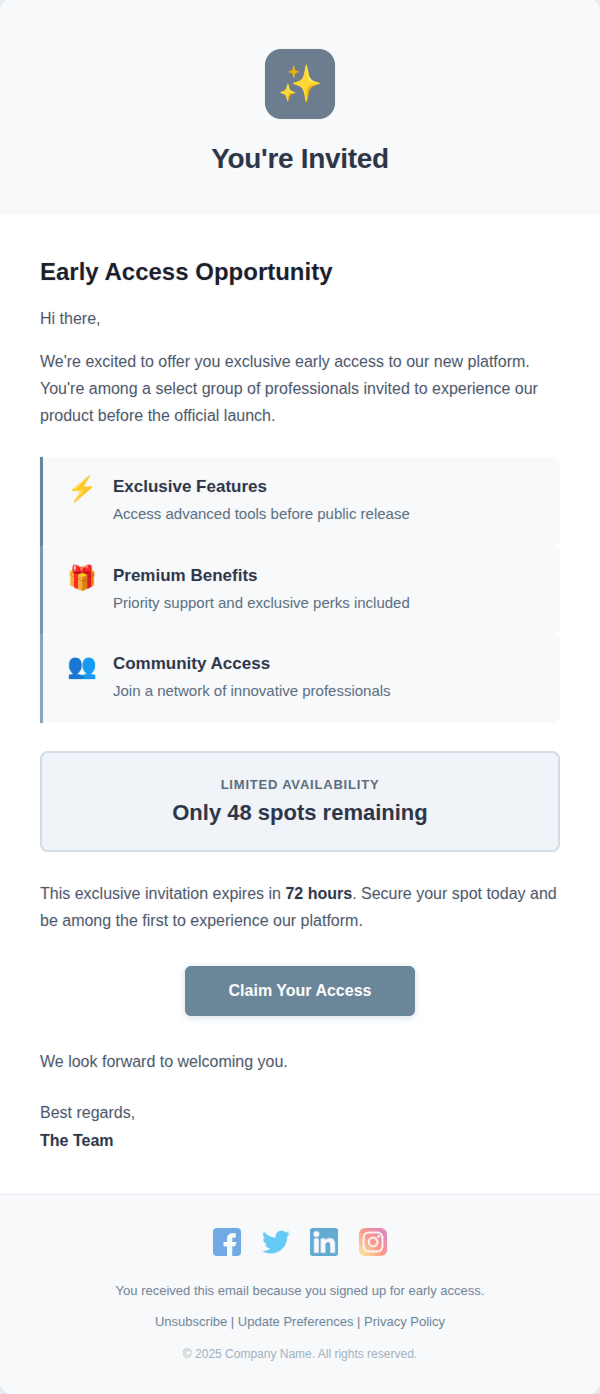
Early Access Invitation

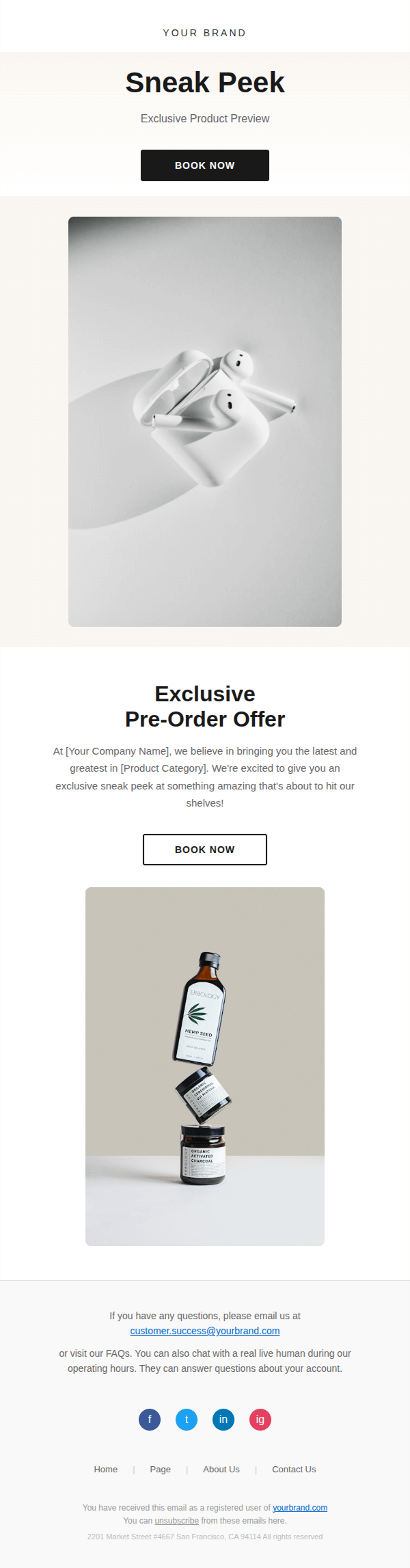
Sneak Peek
Transactional
Order / Shipping

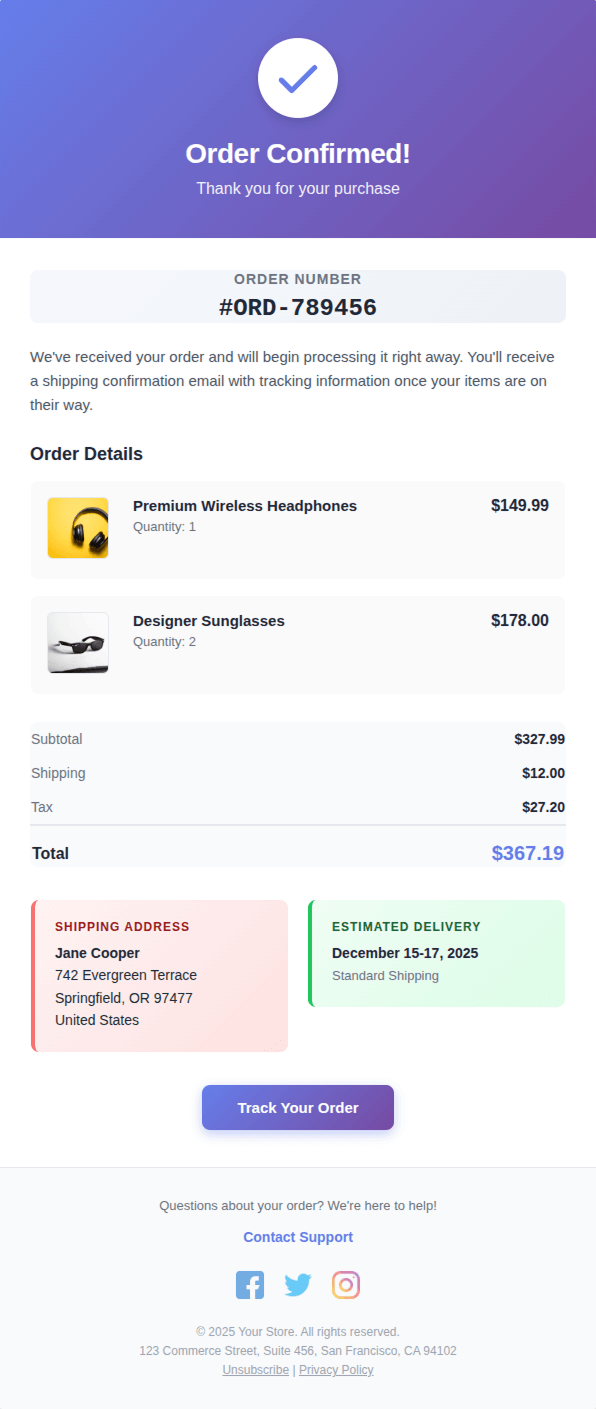
Order Confirmation

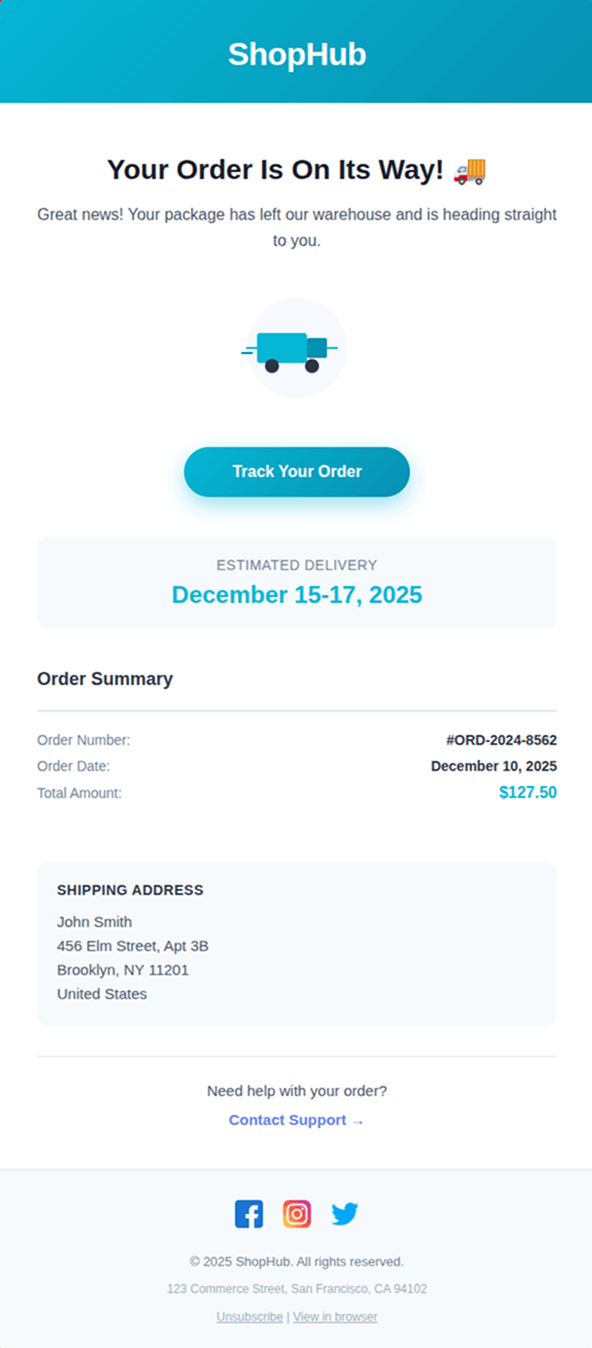
Order On Its Way

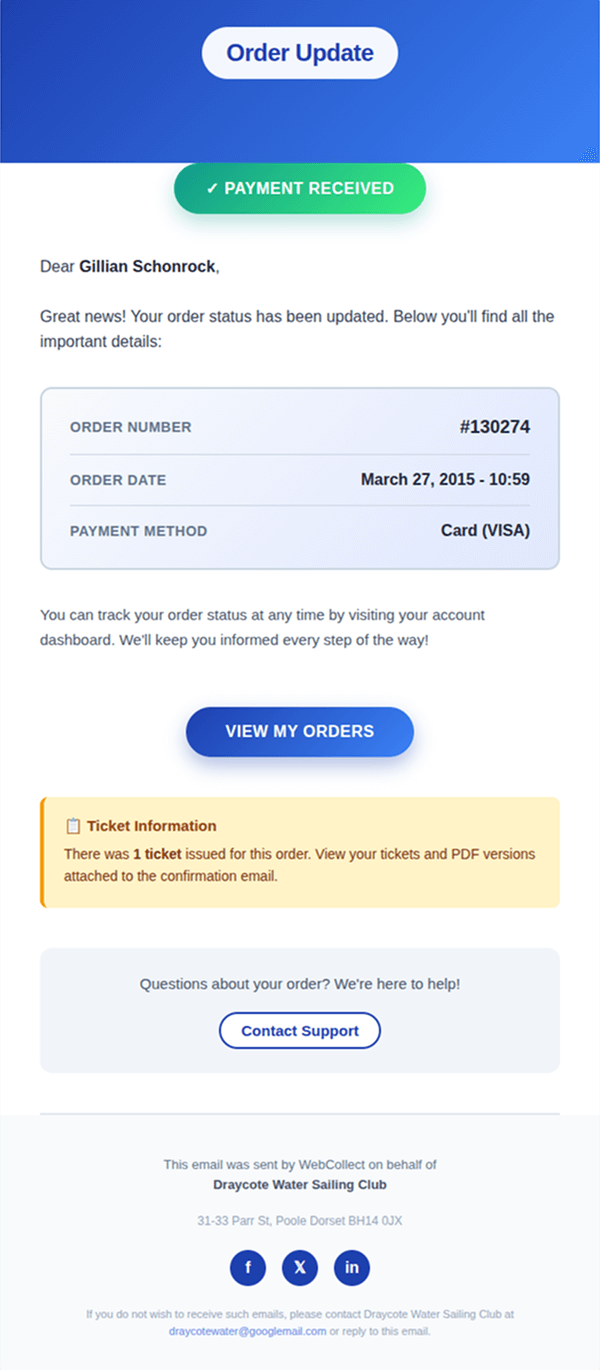
Order Update
Billing

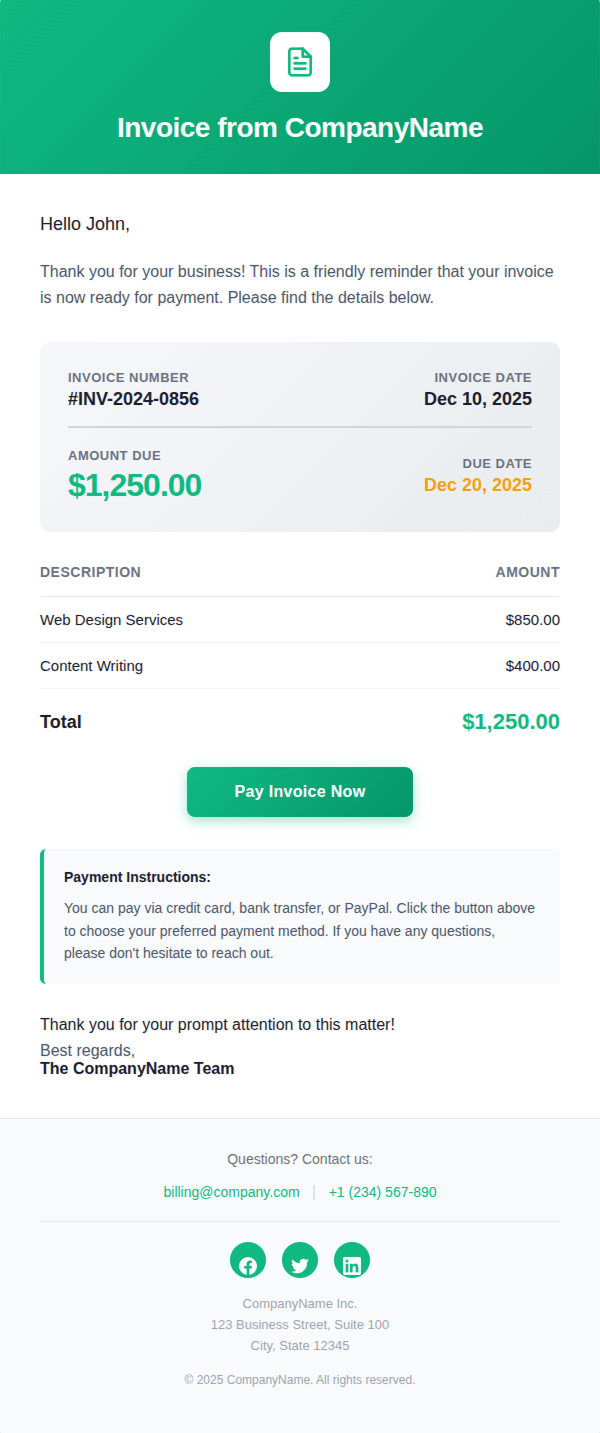
Invoice Email

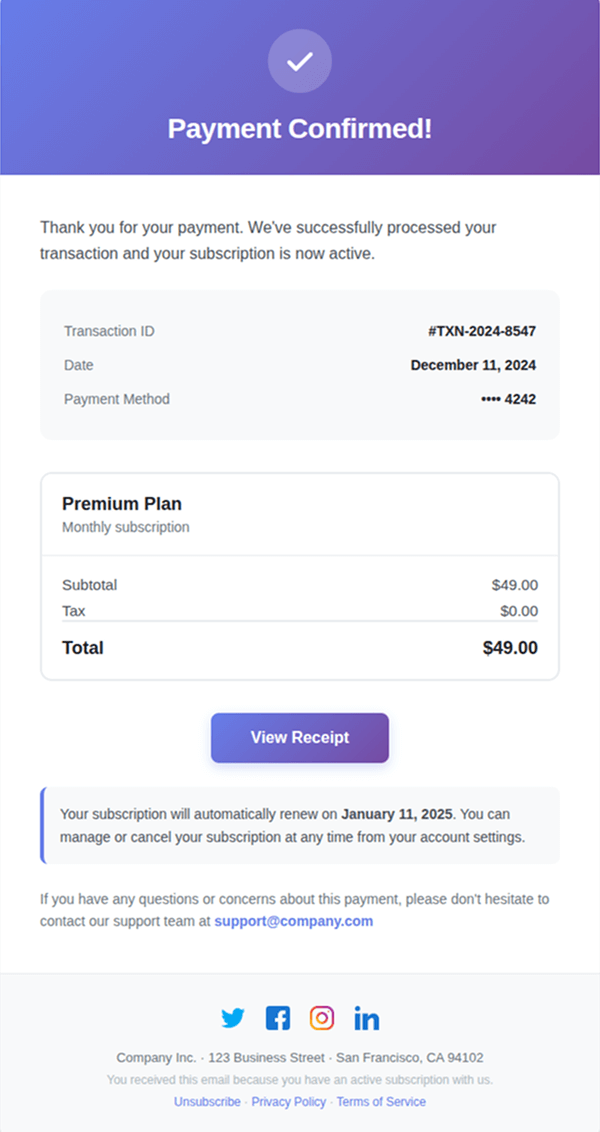
Payment Confirmation
Reengagement

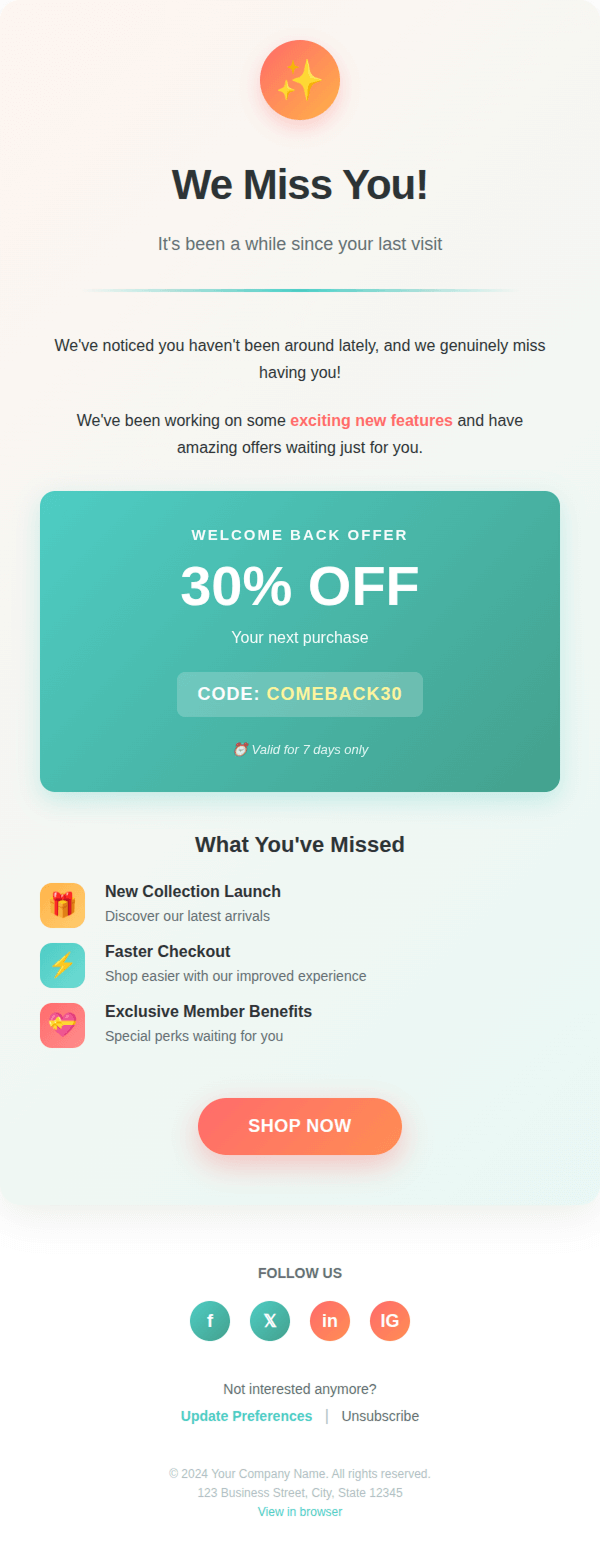
We Miss You

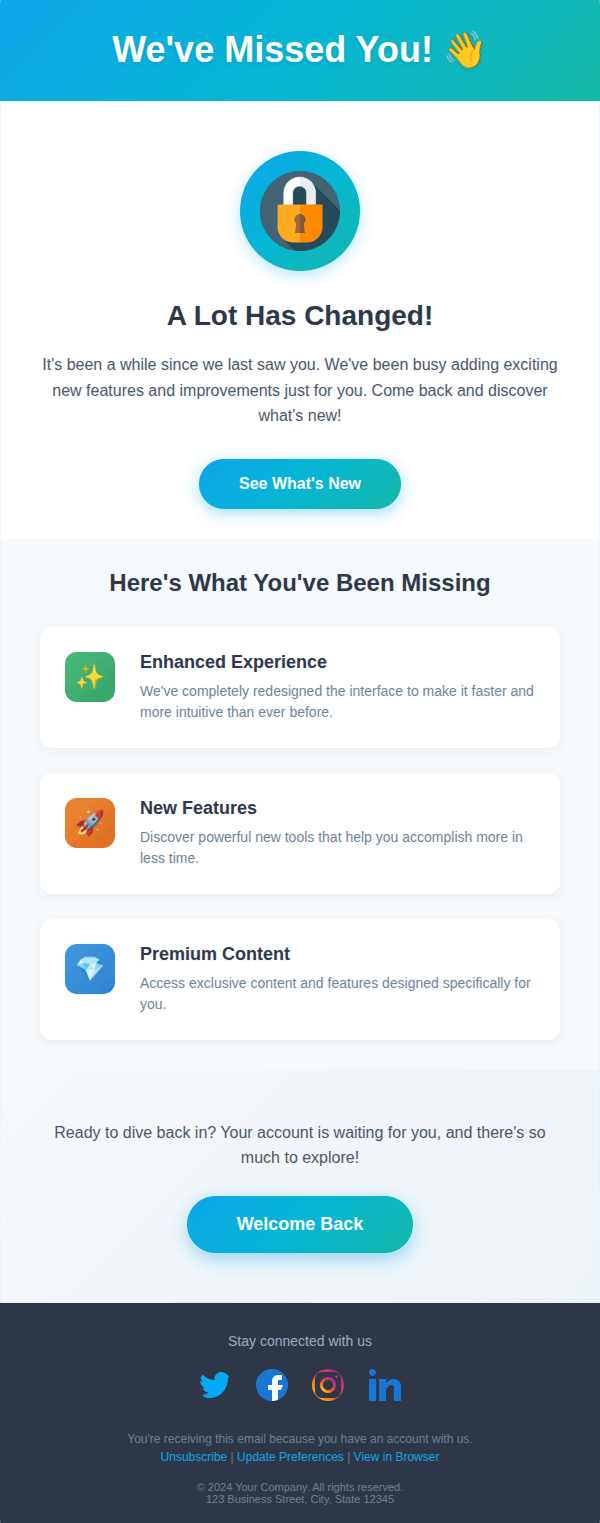
Come Back & See What’s New
Newsletters

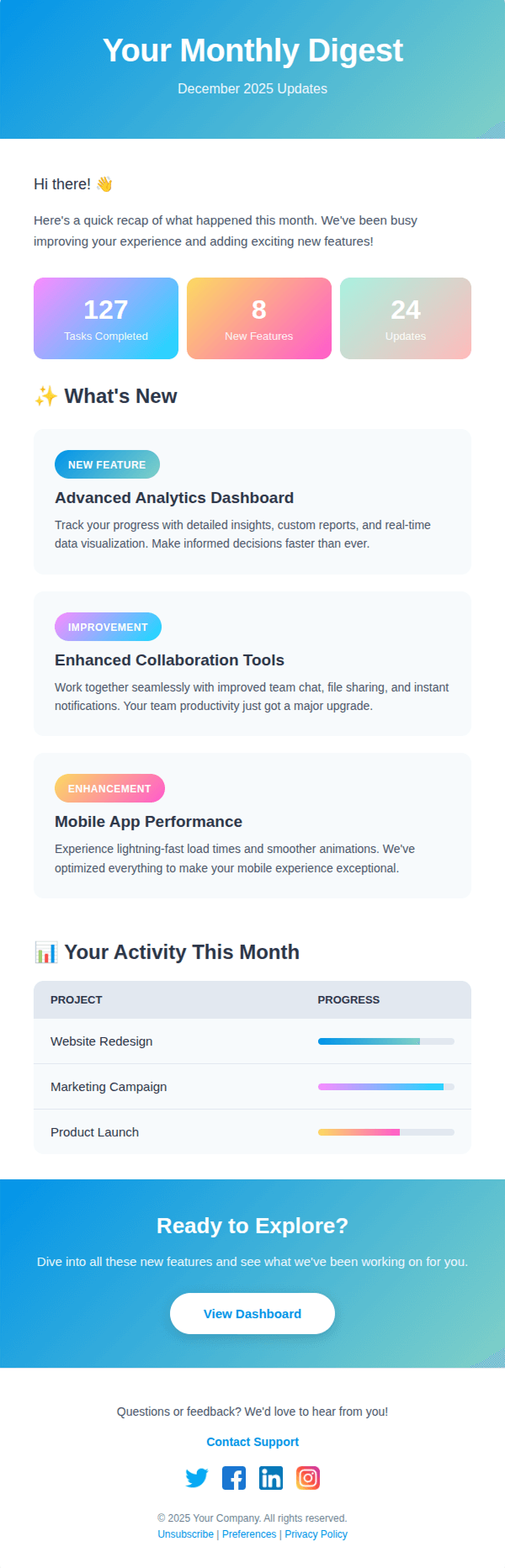
Monthly Updates

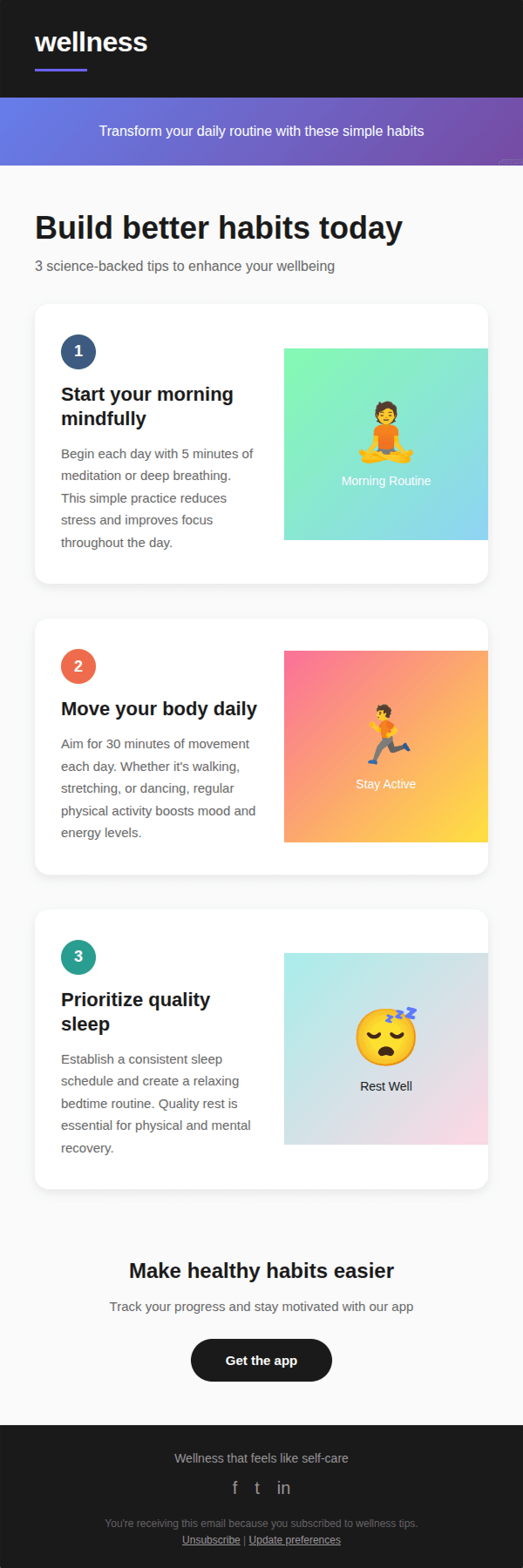
Tips & Tricks

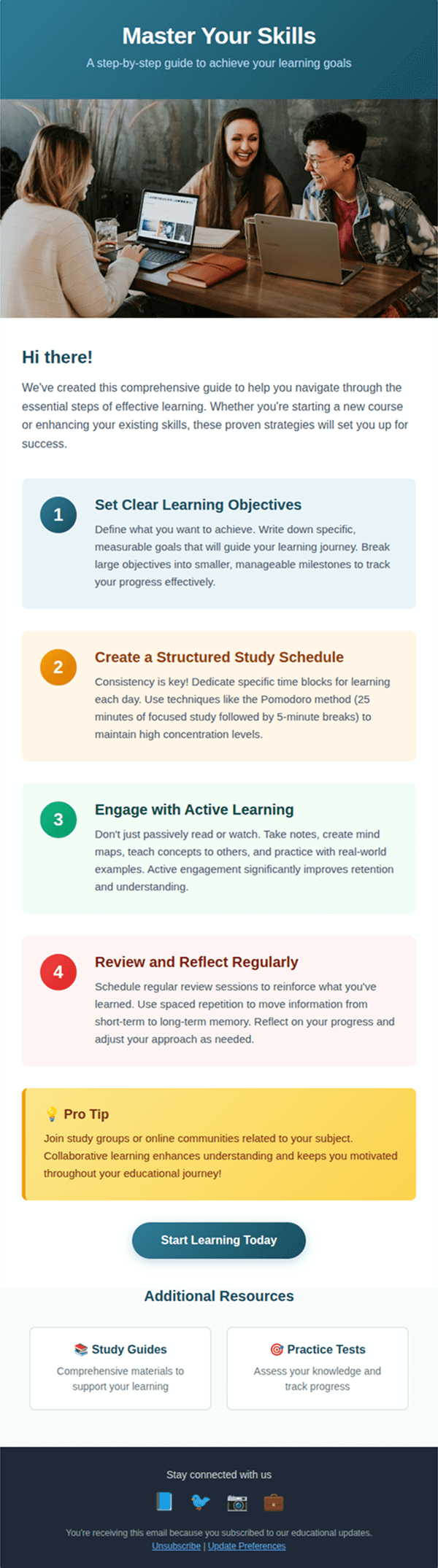
Educational How-to
FAQ
Everything you need to know about the product and billing
Click the “Request” button on a template and provide your Zendesk subdomain and email. Our support team will then send you step-by-step instructions via email.
Of course, once you receive a template, you can edit text, images, colors, and links to match your brand and workflow.
If you want to use a template for mass email campaigns, you can do so with the Proactive Campaigns app for Zendesk.
Requests are unlimited, and each template will be sent via email with full instructions for implementation.



